Tips Apr 5, 2026
Batch Compression: Shrink Hundreds of Images in Minutes
Stop compressing images one by one. Learn a batch workflow that handles entire folders with consistent settings.
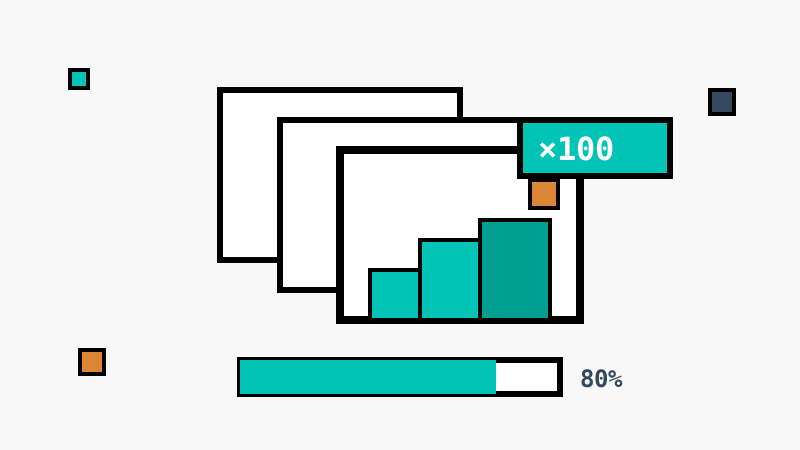
Compressing images one at a time is a time sink. Whether you are optimizing a product catalog or slimming down a photo archive, batch processing turns hours of clicking into minutes.
Why batch beats one-by-one
- Consistent settings — every image gets the same quality target, so your gallery looks uniform
- One review pass — check the size preview once instead of a hundred times
- No context switching — drop a folder, get a folder back
A practical batch workflow
- Collect everything into one folder, including subfolders if your tool preserves structure
- Pick one quality setting — 80 is a reliable default for photos
- Convert to WebP for web delivery, or keep the original format for archives
- Download everything as a single archive and replace the originals after a spot check
How large should the batch be?
Modern browsers compress images through WebAssembly at impressive speed — hundreds of images per minute on an average laptop. Because the work happens on your device, there is no upload queue: the only limit is your CPU, and there is no per-batch file count to worry about.
Batch compression is where browser-based tools shine: no server quotas, no upload bottleneck, and your files never leave the device.