WebP vs JPEG: Which Image Format Should You Use?
A practical comparison of WebP and JPEG — file size, browser support, transparency and when sticking with JPEG still makes sense.
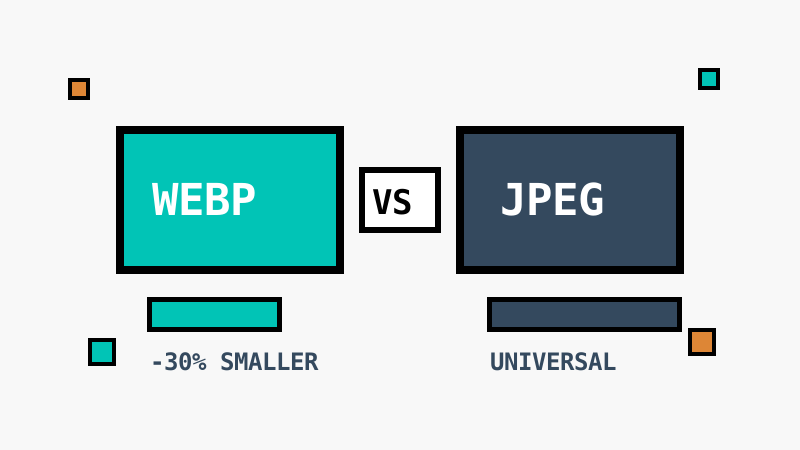
JPEG has been the default image format of the web for three decades. WebP has been chipping away at that lead since 2010. Which one should you reach for today?
File size
At the same visual quality, WebP is typically 25–35% smaller than JPEG. For a website serving thousands of images, that difference directly improves load time and Core Web Vitals scores.
Browser support
All modern browsers — Chrome, Firefox, Safari, Edge — have supported WebP for years. JPEG, of course, works everywhere, including decade-old software and some image-processing pipelines.
Features
| Feature | JPEG | WebP |
|---|---|---|
| Lossy compression | Yes | Yes |
| Lossless mode | No | Yes |
| Transparency | No | Yes |
| Animation | No | Yes |
WebP wins on features: it can do everything JPEG does, plus transparency and animation.
When to stick with JPEG
- Email clients and legacy systems that mishandle WebP
- Photo printing services and camera workflows built around JPEG
- Maximum compatibility with unknown software
The verdict
For the web, WebP is the better default. Keep JPEG for compatibility-critical deliverables, and consider AVIF when every kilobyte counts.